We create reliable feeds, imports, updates and workflows that reduce repeated administration, keep information moving and give your team more time for work that needs human judgement.
Effective automation begins by understanding how a task works today, where time is lost and which decisions or exceptions still need human judgement. From there, we design a dependable workflow that reduces administration without hiding what is happening.
WORKFLOW
Understand the work
We map what starts the task, what information it needs, who is involved and what must happen when something falls outside the normal path.
Clear steps
Known exceptions
CONTROL
Keep people informed
Routine actions can run automatically while checks, alerts and clear reporting make outcomes visible and allow intervention when needed.
Visible outcomes
Practical safeguards
AS VOLUME GROWS
Repeated tasks start limiting the business.
Work that feels manageable at low volume can become a drain as the business grows. Copying information, checking progress and relying on manual handoffs consumes time, creates inconsistent results and makes important failures harder to spot.
LOST TIME
Admin absorbs the day
Routine imports, updates and checks compete with customer work and other tasks that need attention from experienced people.
AVOIDABLE ERRORS
Small mistakes multiply
Information copied between files and systems can be missed, duplicated or entered incorrectly, creating more work further down the line.
POOR VISIBILITY
Problems surface too late
Without dependable checks and reporting, incomplete tasks may remain unnoticed until they delay another process or affect a customer.
AUTOMATION IN PRACTICE
From repeated tasks to dependable workflows.
Useful automation is designed around the real task, including its inputs, decisions, exceptions and consequences. We establish how it should behave, test it against real scenarios and make its outcomes visible.
ASSESSMENT
Choose what to automate
We examine volume, effort, error risk and business value to identify where automation will make a meaningful difference.
WORKFLOW DESIGN
Define the rules and exceptions
We document what starts the workflow, how information is checked, which decisions can be automated and when a person needs to step in.
DELIVERY
Build and test safely
We develop the automation in stages and test normal, incomplete and unexpected inputs before it becomes part of everyday work.
OVERSIGHT
Monitor and improve
Clear logs, alerts and reporting help reveal failures, while ongoing refinement keeps the workflow effective as requirements change.
THE BIGGER PICTURE
Automation across the wider business.
Routine work rarely sits within a single screen or department. Reliable automation can check and update information, apply business rules, create useful outputs and alert the right people when attention is needed.
DATA HANDLING
Feeds, imports and updates
Scheduled feeds, file imports, exports and bulk updates can keep product, customer, pricing and operational information current without repeated re-keying.
Data FeedsFile ImportsExportsBulk UpdatesScheduling
BUSINESS RULES
Actions, alerts and oversight
Workflows can respond to events, apply defined rules, generate documents or notifications and flag exceptions for review.
TriggersValidationDocumentsReporting
REAL-WORLD APPLICATION
A catalogue workflow built to scale.
Effective automation does more than move data on a schedule. It applies business rules, handles exceptions and leaves the resulting information usable by the people responsible for it.
PROJECT HIGHLIGHT
Pomona Fruits
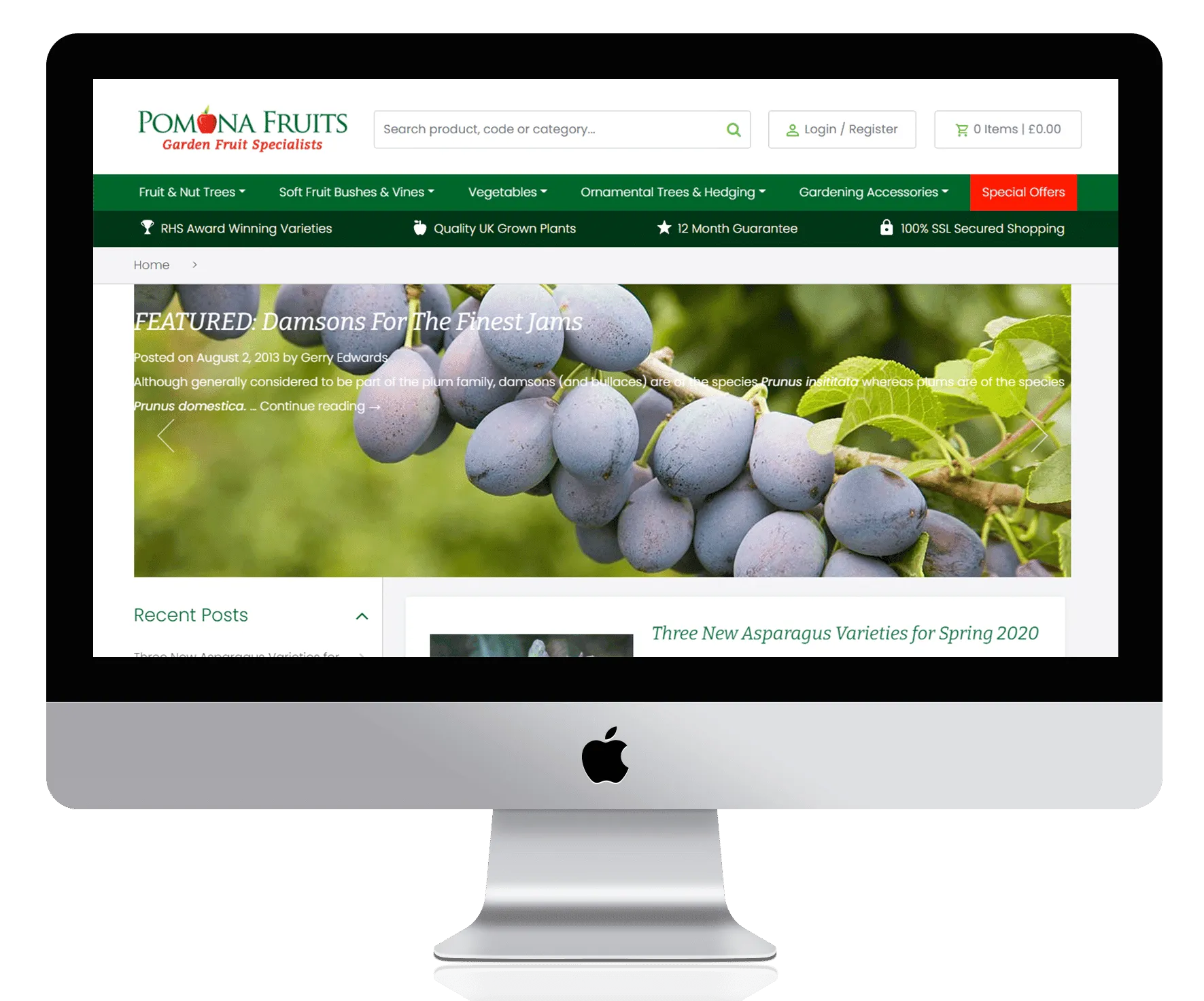
Pomona Fruits manages a detailed catalogue with product variants and information coming from suppliers and its Khaos business-management system. Ongoing development has automated parts of the catalogue workflow, reducing repeated updates while keeping data usable across the store and wider operation.
Supplier feed processing
Catalogue and variant updates
Khaos data workflows
Checks and ongoing refinement
EPICURIUM
A client comment about Stephen's work.
Client comment about Stephen's work.
Stephen supported Epicurium over many years, initially on a major customisation of our Zen Cart store to transform it into a fully featured B2B ordering and account management platform.
More recently, he also supported the development of our WordPress/WooCommerce content and brochure website.
He was honest and willing to give advice, even when it was not what we wanted to hear, and consistently demonstrated the technical ability to deliver what we asked of him.
Ben McKechnie
Epicurium - client comment about Stephen Price
BUSINESS AUTOMATION FAQS
Practical answers about automating everyday work.
We can automate work such as supplier and product feeds, file imports and exports, bulk updates, scheduled processing, document generation, notifications, reporting and multi-step workflows. The strongest opportunities are usually repeated, rule-based tasks that consume time or create avoidable error risk.
We look at how often a task occurs, how much time it consumes, the consequences of mistakes and whether its rules and exceptions can be defined clearly. This helps prioritise work that can deliver practical value without introducing unnecessary complexity.
Not necessarily. Automation can often work with existing software through APIs, scheduled files, database access or built-in import and export tools. Where establishing a dependable connection between systems is the main challenge, our Platform Integrations work may form part of the solution.
Yes. Automation does not require every decision to happen without human involvement. Workflows can include approval stages, exception handling and review points wherever judgement, authority or additional information is needed.
Failures and incomplete information should be planned for from the outset. Depending on the process, we can include validation, logging, alerts, controlled retries and clear exception handling so that problems are visible and can be investigated safely.
Cost depends on the process, the systems and data involved, the number of rules and exceptions, and the level of monitoring or administration required. We first define the workflow and its dependencies, then provide a written estimate or proposal for the agreed scope.
Yes. Ongoing monitoring, maintenance and development can be provided as separately agreed support or development work. This may include resolving failures, adapting workflows when systems change and refining the automation as business requirements evolve.
START A CONVERSATION
Let’s simplify the work behind your business.
Tell us about a repeated task or process that consumes time, creates errors or is difficult to oversee. We’ll help you assess what can be automated and define a practical next step.